Orixoai automation system

Automate Your Sales, Support & Follow-Ups Using WhatsApp + Email AI Automation

Convert more leads, recover lost customers, send smart follow-ups automatically, and grow your business without increasing staff workload.
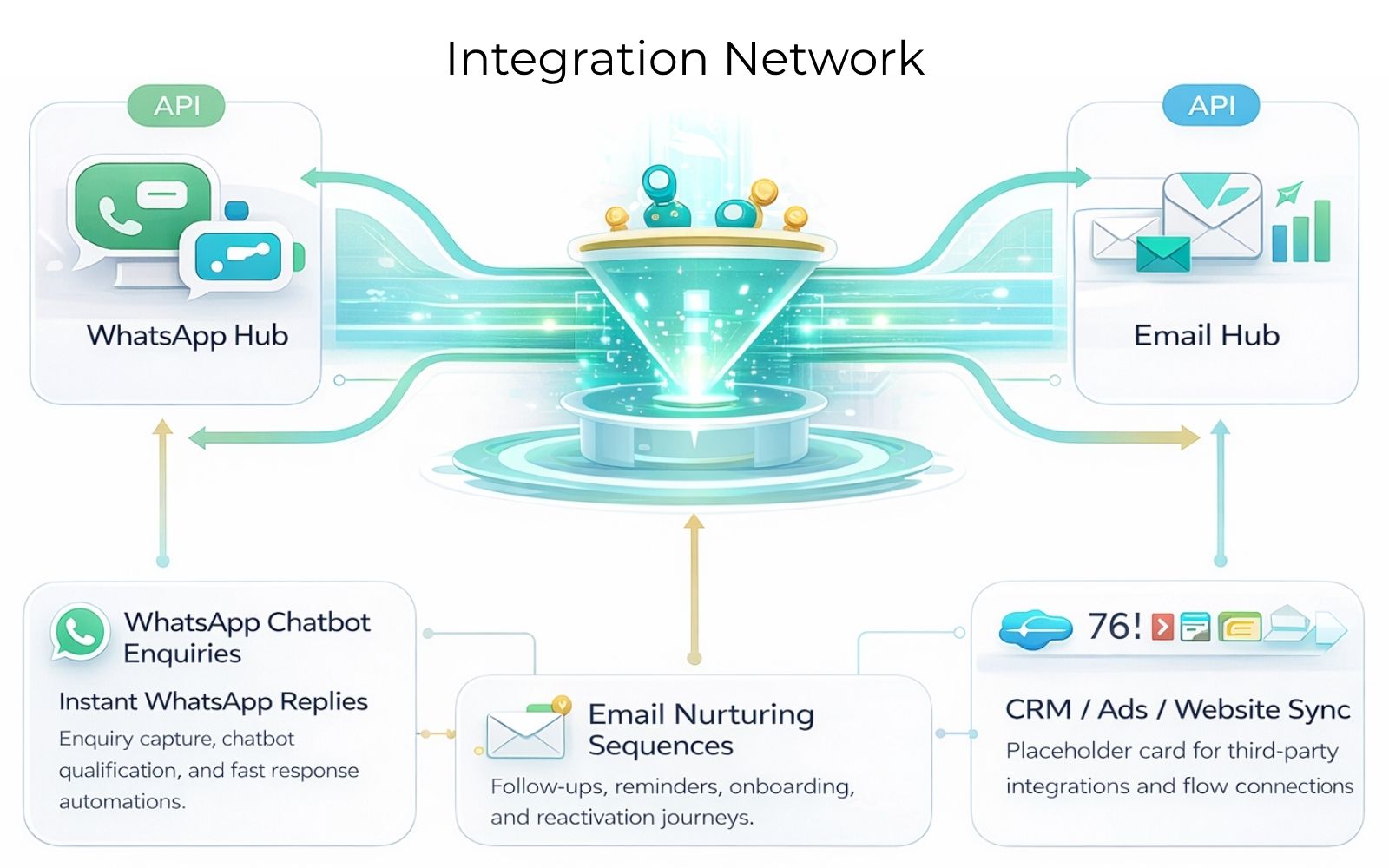
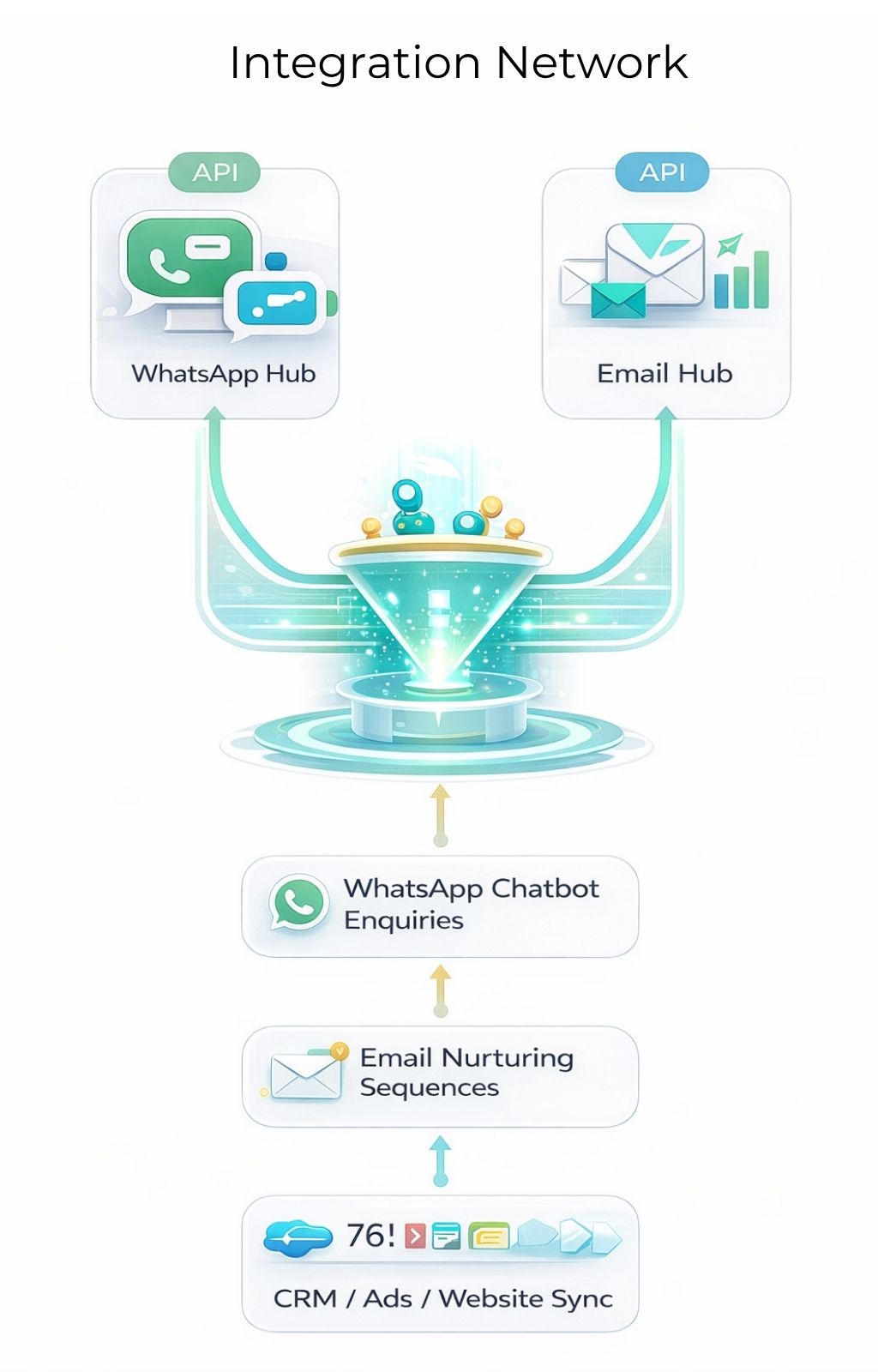
Flow Desktop Flow Mobile

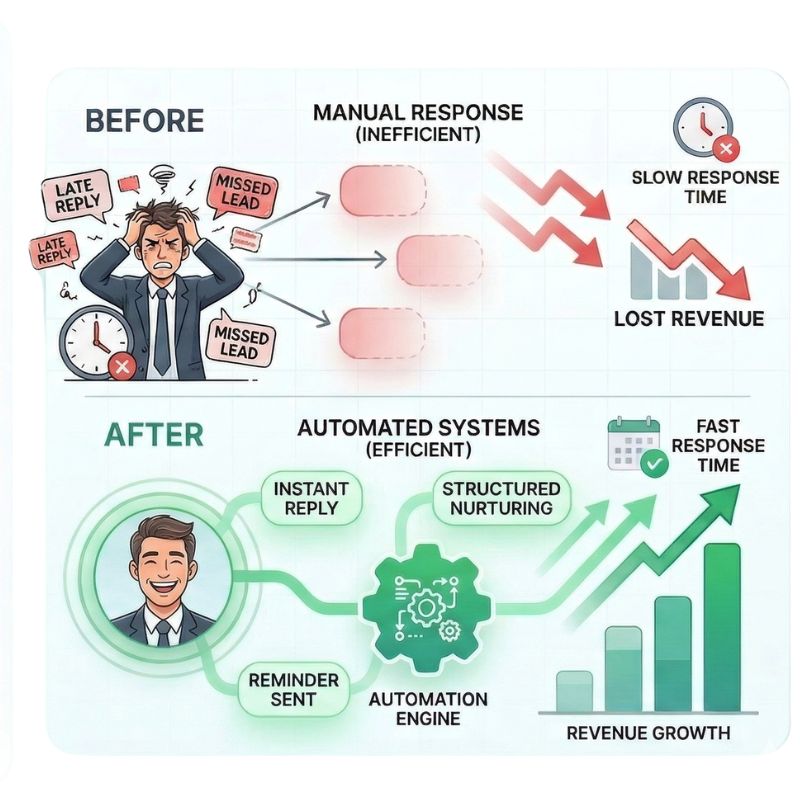
Are You Losing Leads Because You Reply Late?

  • Leads come but nobody follows up
  • Customers ask questions repeatedly
  • Manual replies waste staff time
  • No abandoned enquiry recovery
  • No structured lead nurturing system
  • No reminder automation
  • Email campaigns are not converting
  • No customer lifecycle automation
Automation coverage

What Orixoai Automates for Your Business

WhatsApp Automation

  • Instant replies to enquiries
  • Lead qualification chatbot
  • Auto follow-ups
  • Appointment booking automation
  • Broadcast campaigns
  • Payment reminders
  • Order updates
  • Re-engagement campaigns

Email Marketing Automation

  • Lead nurturing workflows
  • Abandoned enquiry recovery
  • Customer onboarding sequences
  • Promotional automation
  • Email campaign workflows
  • No-customer integration
  • Reminder campaigns
  • Reactivation campaigns
Industry-specific workflows

Custom Automation for Your Industry

Use case driven cards with clean placeholders so you can replace icons or illustrations later without changing the layout.

Real Estate

  • Auto property sharing
  • Site visit booking
  • Lead qualification
  • Follow-up reminders
  • EMI plan sharing

Education Institutes

  • Admission enquiry automation
  • Brochure sharing
  • Demo booking
  • Fee reminders
  • Batch notifications

Healthcare Clinics

  • Appointment booking
  • Reminder automation
  • Reports notification
  • Follow-up sequences
  • Patient communication flow

E-commerce & Services

  • Cart recovery
  • COD confirmation
  • Order tracking
  • Quote follow-ups
  • Customer retention campaigns
How it works

How Orixoai Automation Works

1

Understand your business workflow

We map your enquiry points, lead stages, team handoff, and follow-up process.

2

Design automation funnel

WhatsApp, email, ads, website, and CRM journeys are structured in one flow.

3

Build chatbot + email journeys

Human-like replies, lead qualification logic, reminders, and nurture sequences are added.

4

Connect CRM / Meta / Website / Ads

Placeholder for integrations, webhook connections, and dashboard sync visuals.

5

Launch & optimize conversion automation

We refine based on response quality, conversion intent, and lead movement.

Core features

Powerful Automation Features Included

AI chatbot responses

Natural conversation handling with structured lead capture and reply logic.

Smart lead segmentation

Classify prospects by interest, urgency, budget, industry, or service requirement.

Auto reminders & alerts

Timely nudges for appointments, fees, payments, follow-ups, and renewals.

Broadcast campaign system

Campaign placeholders for promotions, updates, seasonal pushes, and remarketing.

CRM integration ready

Designed for plug-in integration with third-party tools, forms, and sales pipelines.

Team inbox setup

Centralized handoff, shared visibility, and organized lead handling for multiple agents.

Conversion tracking dashboard

Placeholder section for analytics widgets, campaign insights, and reply performance.

Multi-language support

Support flows in English, Hindi, and regional languages as per business needs.

Outcome-focused

What Automation Can Do for Your Business

Increase response speed

Capture and answer enquiries faster with instant workflows and smart routing.

Improve lead conversions

Move prospects from enquiry to action using follow-ups, nurturing, and reminders.

Reduce manual dependency

Automate repetitive communication so your staff can focus on high-value interactions.

Recover lost enquiries

Bring back missed or cold leads with structured remarketing and automated sequences.

Increase repeat customers

Stay connected through lifecycle communication and timely engagement campaigns.

Run campaigns with ease

Launch promotional, reminder, and nurture campaigns without constant manual effort.

Use case demo

See How Automation Works in Real Life

A simple automation journey from lead capture to qualification, follow-up, nurturing, and sales action.

01

Customer Clicks Ad

A prospect enters from Meta Ads, Google Ads, or your website CTA.

02

Instant WhatsApp Reply

The system responds immediately and starts the conversation without delay.

03

Auto Qualification

Smart questions collect requirement, category, budget, and intent.

04

Brochure Shared

Catalog, pricing, proposal, or service details are shared automatically.

05

Follow-Up Reminder

If no response comes in, reminders are sent automatically to re-engage the lead.

06

Email Nurturing Starts

Email automation continues engagement with follow-ups, offers, and useful information.

07

Sales Team Alert

Hot lead notifications reach your team quickly so they can call and convert faster.

Why Orixoai

Why Businesses Choose Orixoai

Custom automation, not template bots

Workflows are shaped around business goals, enquiry patterns, and conversion needs.

Industry-specific workflow design

We tailor logic, questions, reminders, and nurture journeys for your business model.

WhatsApp + Email combined

One connected funnel for replies, lead nurturing, remarketing, and lifecycle communication.

Conversion-first approach

Every section is designed to move visitors toward action, not just display features.

Setup + optimization support

From structure to refinement, the workflow is built to improve over time.

Built for Indian & global businesses

Flexible layouts, multilingual readiness, and scalable communication architecture.

FAQ

Frequently Asked Questions

Is this official WhatsApp API automation?+
Yes, the layout supports positioning for official WhatsApp API based automation messaging and business workflow communication. Replace this placeholder answer with your exact operational details.
Will automation work with my website?+
Yes, the page structure already includes sections where website forms, landing pages, CRM capture, and WhatsApp routing can be connected into the same journey.
Can it integrate with Meta Ads?+
Yes, the use case and process sections are designed to visually explain ad-to-WhatsApp and ad-to-email automation flows with conversion-first messaging.
Can it send reminders automatically?+
Yes, reminder automation is already included in the WhatsApp, email, feature, and results sections so the message stays consistent throughout the page.
Does it support multiple agents?+
Yes, the design includes team inbox and smart routing placeholders, which can later be connected to your actual operational workflow.
Can automation recover old leads?+
Yes, the layout clearly includes abandoned enquiry recovery, remarketing logic, reactivation, and customer lifecycle sequences.
Final CTA

Let’s Build Your Business Automation System

Tell us your business type and we’ll suggest the best automation workflow for you. This layout is optimized for clean presentation, hover effects, smooth reveal animation, and easy replacement of graphic placeholders.

Get Automation Strategy on WhatsApp WhatsApp